Viral hooks
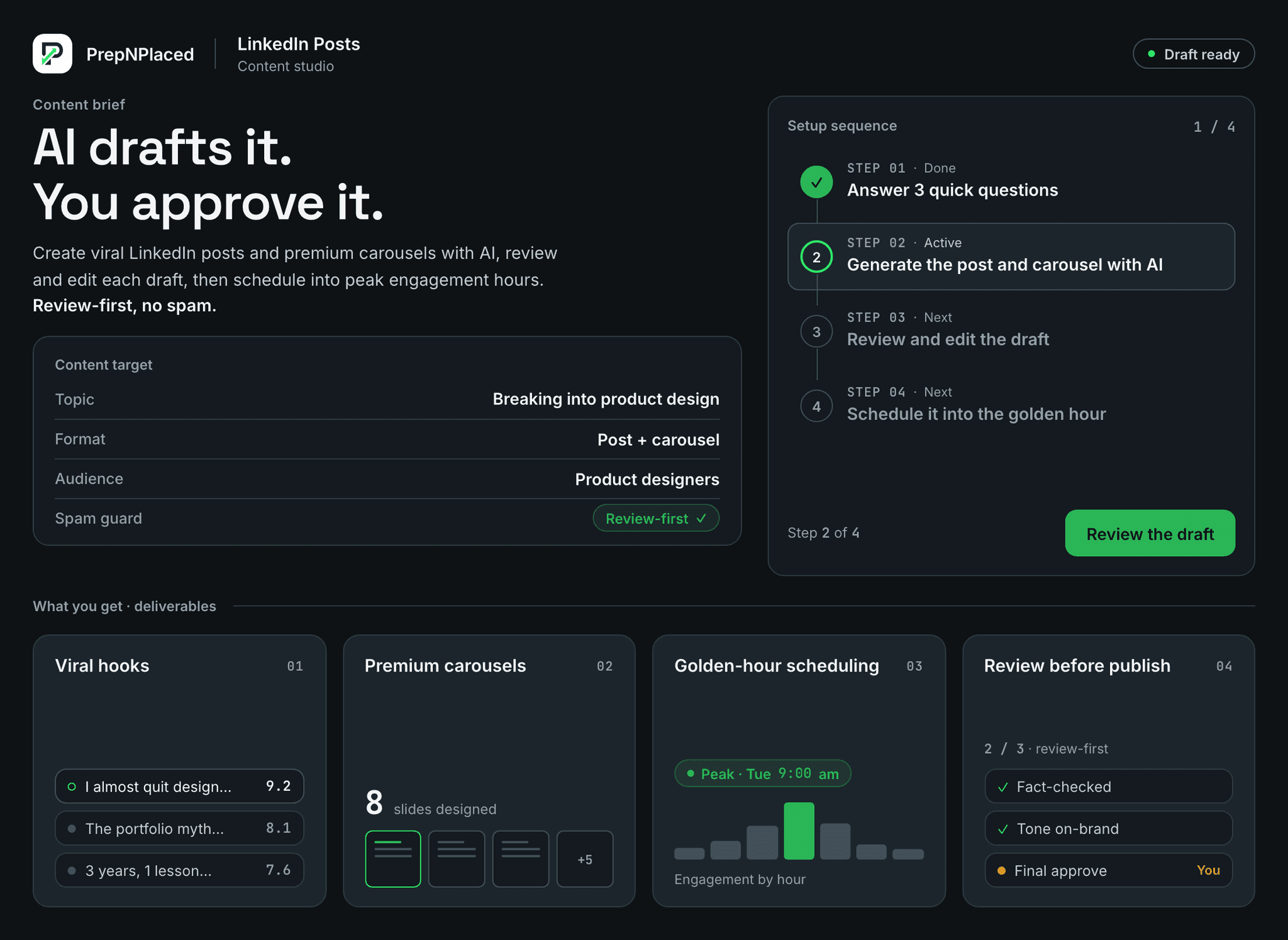
AI writes scroll-stopping first lines tuned for dwell time, not generic corporate filler.
Generate scroll-stopping LinkedIn posts and premium swipeable carousels with AI, review and edit every draft, then schedule them into the golden engagement hour. You stay in control of what publishes.
Why you can trust it
Everything below is what the tool actually does — with clear limits, guardrails, and the next step always visible.
AI writes scroll-stopping first lines tuned for dwell time, not generic corporate filler.
Designer-grade swipeable carousels are rendered for you automatically — no manual design tools.
Posts can be scheduled into your audience's peak engagement window for more reach.
Every draft is yours to read, edit, and approve — nothing publishes without you.
How it works
Each step below is what actually happens, in order — so you always know what comes next.
Answer 3 quick questions
Generate the post and carousel with AI
Review and edit the draft
Schedule it into the golden hour
Deep dive
A closer look at what this workspace does — and how each part helps you move faster.
The post engine drafts a sharp hook, a tight body, and a real call to action in your chosen angle, so the post reads like a human wrote it with a point of view.
Pick a format and the studio renders a clean, modern multi-slide carousel — cover, numbered points, and a closing call to action — with consistent type, color, and layout.
Choose the format that fits the message: a swipeable carousel for depth, a quote card for a punchy idea, a checklist for a how-to, an image post, or a clean text-only post.
Queue posts for your audience's most active window, and get a ready first comment and reply suggestions so the post keeps momentum after it goes live.
Automation here means drafting and scheduling — never silent spam. You review every post, and the system does not auto-comment, auto-like, or send automated DMs.
PrepNPlaced does help you draft strong posts, design carousels, and schedule consistently. It does not invent fake results, impersonate anyone, or post on your behalf without your review.
Questions
Straight answers to the questions people ask most before getting started.
No. Every post is drafted for your review. You edit and approve it, and you choose when it publishes — there is no silent auto-posting.
No. The studio renders premium, on-brand carousels for you automatically from your content. You just review the result.
No. It helps you write and schedule real content. It never automates likes, comments, or direct messages.
Answer three quick questions about your topic, let the studio draft the post and a matching carousel, review and edit it, then schedule it into your audience's most active window. You approve every post before it publishes.
Drafting and scheduling your own content is fine — that is what most creator tools do. What gets accounts flagged is fake engagement: automated likes, comments, and DMs. PrepNPlaced never does any of that, so your account stays safe.
Two to four times a week is enough to stay visible to recruiters without burning out. Consistency beats volume, which is why the studio makes it easy to keep a steady schedule of on-brand posts.
Share what you are learning, projects you have shipped, interview lessons, and short how-tos in your target field. These signal expertise to recruiters — and the studio turns each into a polished post or carousel in minutes.
Next workflow
Keep moving through the connected workflow without losing the target role context.
PrepNPlaced Platform
Your full resume-to-offer workspace.
Rewrite My Resume
Build a JD-aligned tech resume.
Find Jobs
Find and rank roles that fit you.
AI Mock Interview
Practice the real interview loop.
Viral hooks
Premium carousels
Golden-hour scheduling
Review before publish